Sales channels (Shopify and Zoho Books)
Connect Shopify or Zoho Books and keep their prices in step.
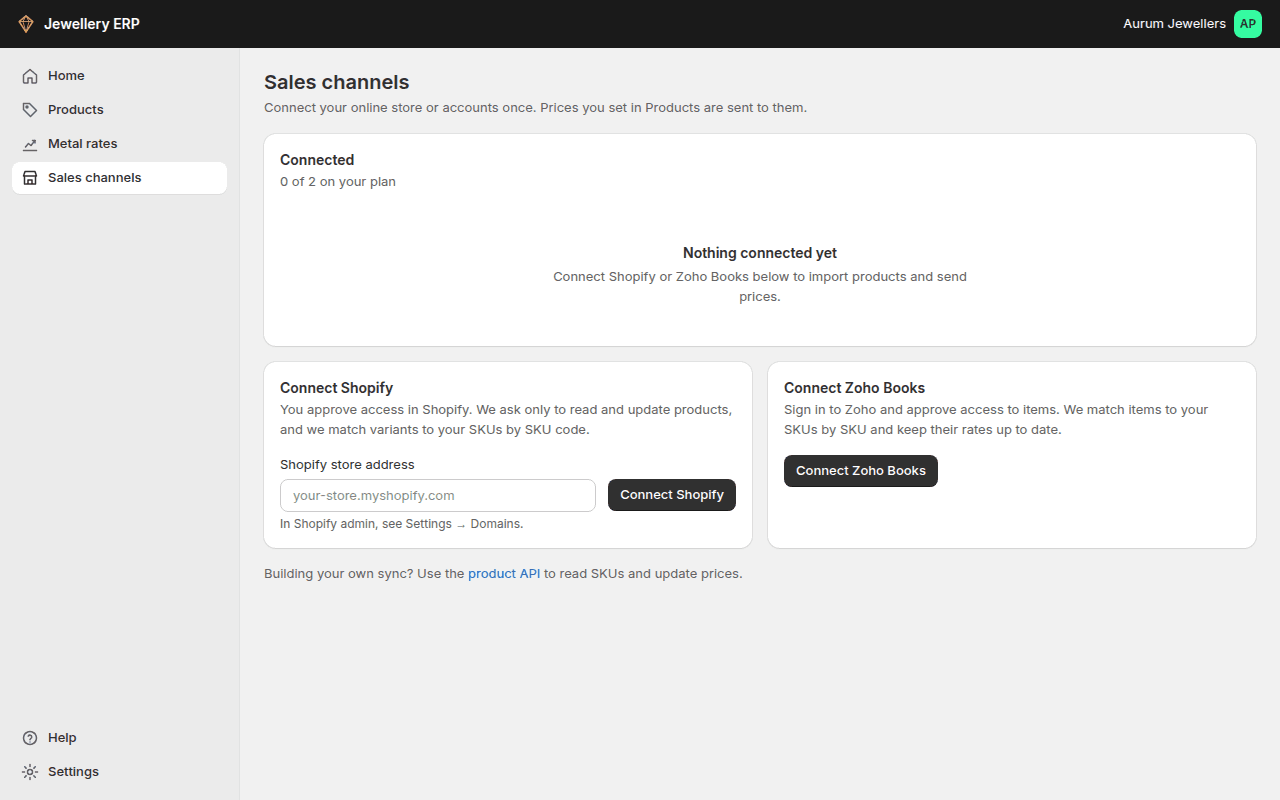
Connect under Sales channels. Shopify variants and Zoho Books items are matched to your SKUs by SKU code.
- After one first push, price changes (by hand, through the API or by repricing) go out automatically while auto-push is on.
- Each store page shows linked, unmatched and ignored items, prices that differ between the two sides, and a log of every import and push.
- Only the owner or an admin can connect or disconnect.
Zoho Books
- Press Connect Zoho Books, sign in to Zoho and press Accept.
- If your Zoho login has more than one organisation, pick the one whose items should get your prices.
- We import your active items and link each one to the SKU with the same code. Items without a SKU in Zoho are listed as unmatched; link them by hand or ignore them.
- Press Push prices once. After that, new prices go to Zoho Books automatically.
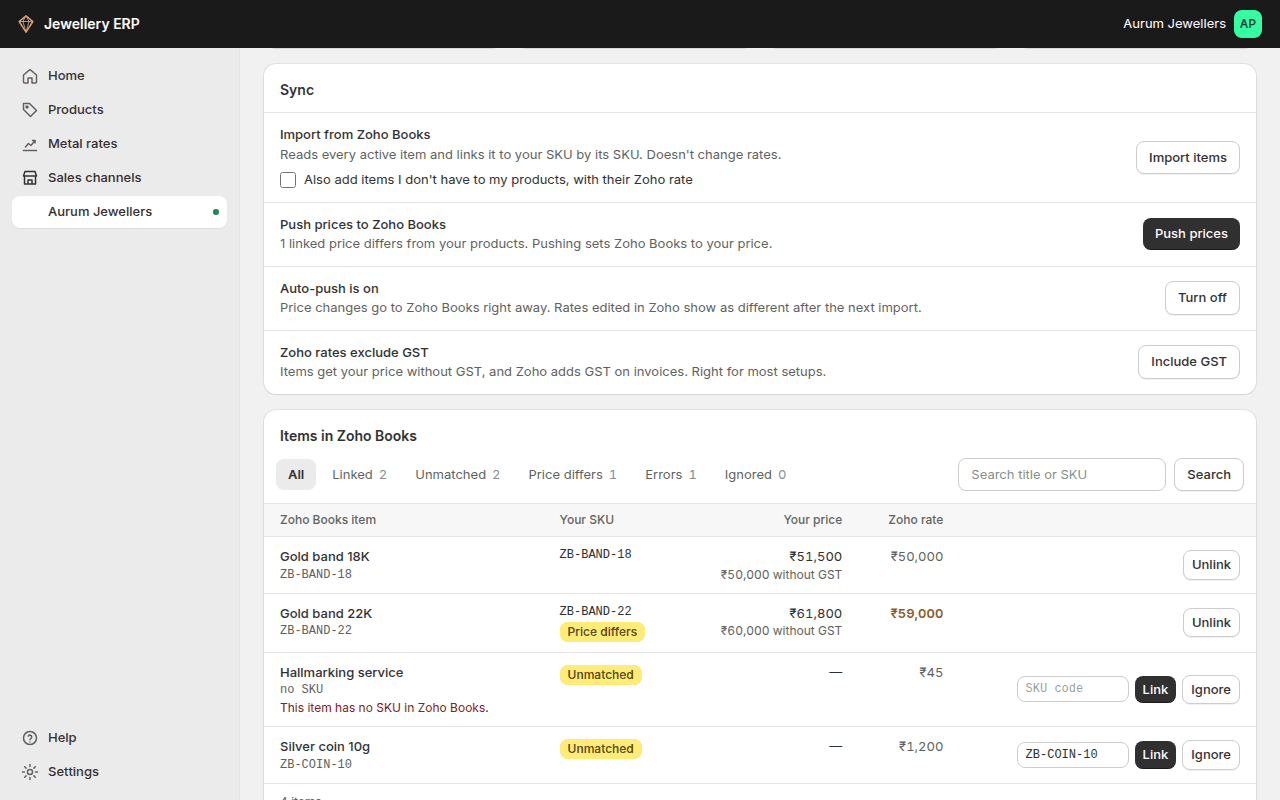
- GST: by default Zoho item rates get your price without GST (₹51,500 with 3% GST becomes a ₹50,000 rate), because Zoho adds GST on invoices. If your Zoho invoices are tax-inclusive, press Include GST; every rate is sent again.
- Only the rate is updated. Item names, stock, tax settings and invoices in Zoho Books are not touched.
- Rates edited inside Zoho Books show as Price differs after the next import; press Push prices to set them back.
- Disconnecting deletes our access and tells Zoho to revoke it. Your items in Zoho Books stay as they are.